How to run a championship in PaceBoss
If you organise a sim-racing league — even informally with friends — PaceBoss's /leagues view turns CSV imports into season standings without spreadsheets, accounts, or upload steps. Here's the full workflow.
1. Import each round's CSV
Every round is a SimResults CSV export from your league's race. Drop them in via /import (or load the bundled sample to test the flow). Each ends up in /sessions as a saved import that can be attached to one or more championships.
2. Create the championship
Visit /leagues and click New championship. The dialog asks for:
- Name — required. Anything human-readable: "Spring GT3 Cup", "Endurance Series 2026 S1".
- Season — optional. Free text.
- Class filter — optional. Set to a class string (e.g.
GT3) and only entries with that class count toward standings. Leaves multi-class CSVs sane: a GT3+GT4 mixed grid CSV used in a GT3-only league filters cleanly. - Points scheme — F1, F1 Sprint, IndyCar, WEC, or Custom. Custom takes a comma-separated list of points by position plus a DNF-points value. The chosen scheme is deep-copied onto the championship at create time, so a future schema preset change doesn't rewrite history.
- Drop worst rounds — for "best 8 of 10" formats. Drops the lowest-scoring N rounds per driver before summing.
3. Add rounds
From the championship page, click Add round. The dialog lists your saved imports that aren't already attached to this championship — imports attached to other championships are listed too, with an "also attached to N other championships" annotation, because the same CSV can legitimately count for two championships (overall + class-specific).
Set the round number (auto-suggests next + 1) and an optional label like "Donington Sprint". Submit and the round is attached.
4. Read the standings
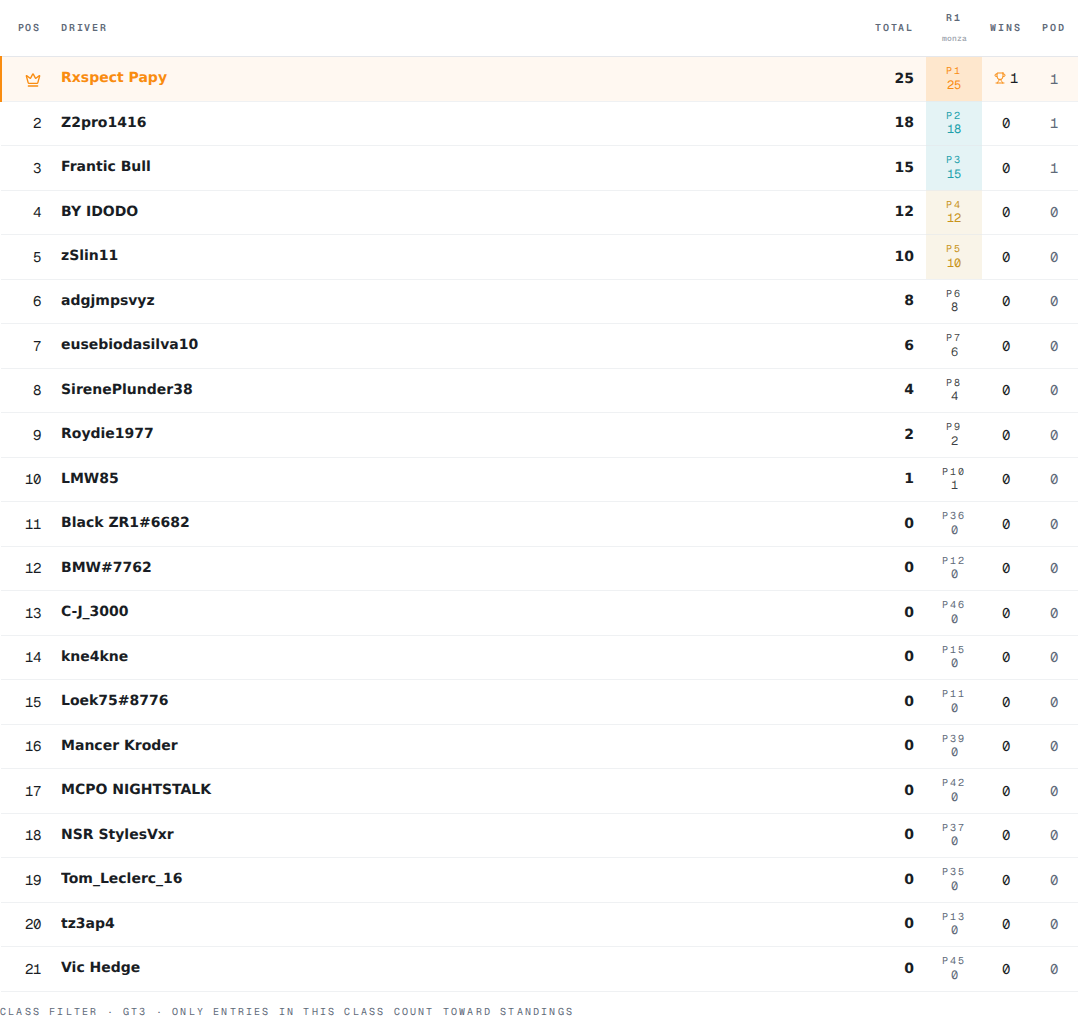
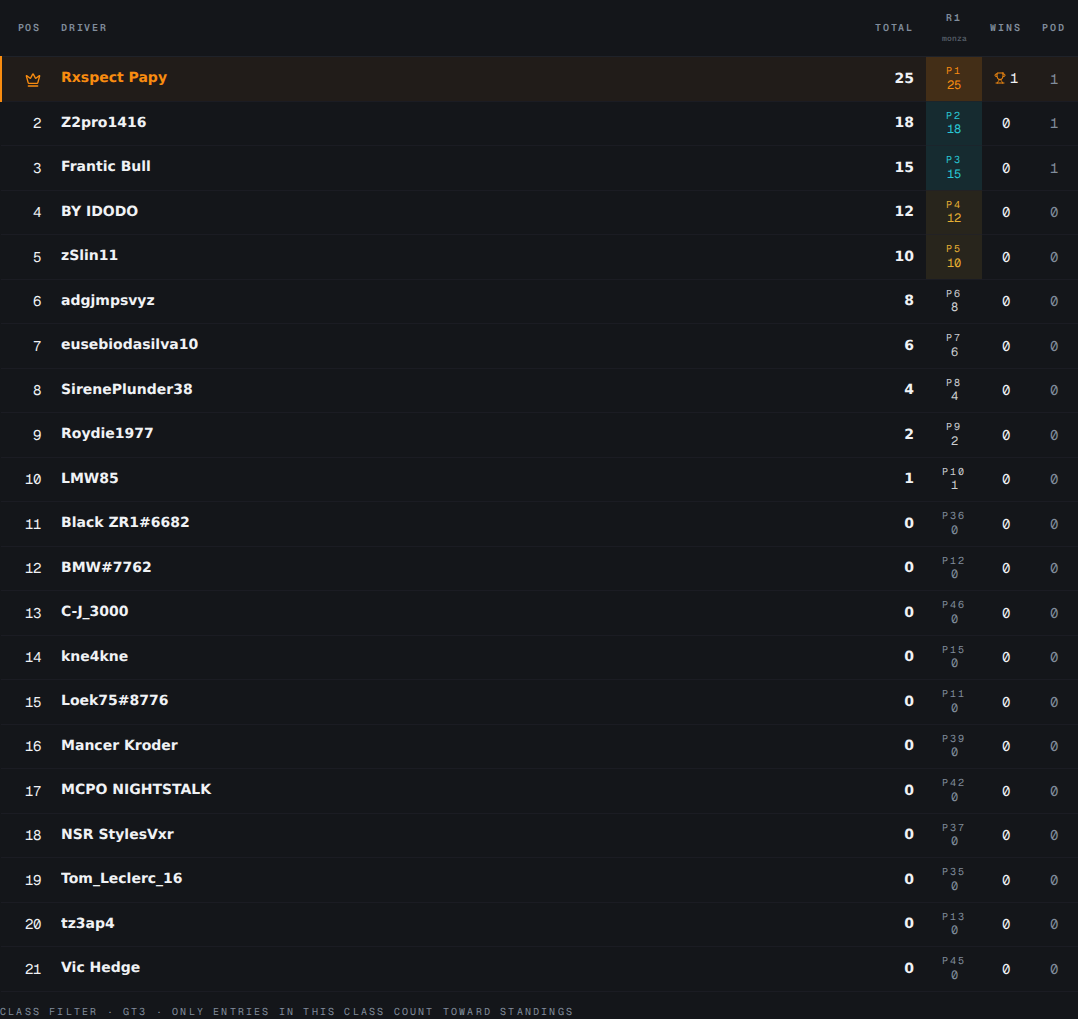
The standings tile recomputes immediately. Each driver row shows:
- Position with a crown icon for P1
- Driver name (accent-tinted with a primary border-left if it's the claimed-
medriver) - Total points (after drops)
- One column per round: P{n} on top, points scored below; cell tinted by finish position (gold P1, green P2–3, etc.)
- Wins (with trophy icon when >0) and Podiums
Dropped rounds are line-through with a · drop annotation; their points and any P1 in those rounds don't count toward totals or wins.
5. Handle missing or incomplete rounds
If you delete a CSV from /sessions after attaching it as a round, the round stays in the championship but is rendered as · missing import. Standings exclude that round's points (every driver gets 0 for it) until you re-import or remove the round. Re-imports get a new IDs in IndexedDB, so reattaching is a manual step — not a magic match.
If a round's CSV doesn't contain a Race session (only Practice/Qualifying), the round is · no race and contributes 0. Add a different CSV.
6. Share the standings
The Share standings button in the top strip uses the same PNG export pipeline as results and driver pages. Output is a clean image of the hero + rounds tile + standings table, with a small paceboss · championship name · season watermark inside the captured region.
Drop the PNG into Discord, the league forum, or a championship recap.
What you walk away with: a self-updating championship standings table that takes 30 seconds per round to maintain, no spreadsheet, no account.
Related reading
- Glossary: points scheme — the four presets and the Custom format.
- Glossary: drop worst rounds — best-N-of-M format, plus how dropped P1 rounds affect wins.
- Glossary: class filter — how multi-class CSVs filter cleanly into a class-restricted championship.
questions
- Can I run a sim racing league championship without a spreadsheet?
- Yes. PaceBoss's /leagues view computes standings from saved CSV imports. Add rounds, set a points scheme, and the table updates immediately. Export as PNG to share.
- What points schemes does PaceBoss support?
- F1, F1 Sprint, IndyCar, WEC, and Custom. The chosen scheme is deep-copied onto the championship at create time so future preset changes do not rewrite history.